ui_command.py#
ui_command.py
Running the UI commands
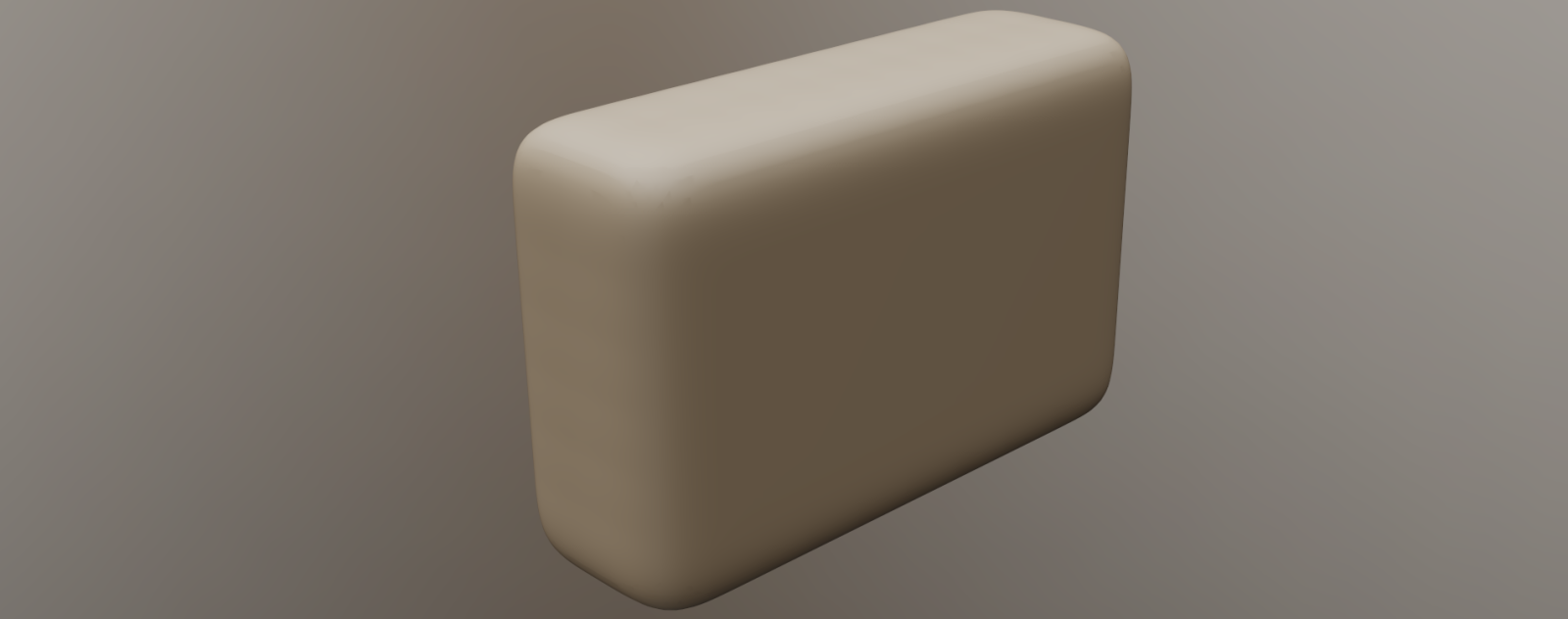
1# This example demonstrates how to click any item in UI
2import coat
3
4# In our case we triggered "New scene", then
5# created parallelepiped and pressed "Smooth All" in voxels.
6# It shows the modal dialog that asks for parameters. We set the smoothing count to 50 and press Ok
7
8# Call the "New" command from the menu. We got the $CLEARSCENE identifier from UI, pressed RMB+MMB over "File->New",
9# then pasted it there from the clipboard
10
13# The lambda below just presses Don't save - second button from the left
14coat.ui.cmd("$CLEARSCENE", lambda: coat.ui.cmd("$DialogButton#2"))
15# get to Sculpt room
17# Get to primitives tool. No need lambda because modal dialog never triggers in this case.
18coat.ui.cmd("$SCULP_PRIM")
19# switch to cube primitive
20coat.ui.cmd("$VoxelSculptTool::prm_CubPrim")
21# Now we substitute values into the edit box.
22# SizeX = 30, the $CubPrim::%$sa is the identifier of the size X, it got from UI as before.
23# If you got something like $CubPrim::%$sa[172] it is better to leave only $CubPrim::%$sa,
24# but the program will work correctly in both cases, for $CubPrim::%$sa and for $CubPrim::%$sa[172],
25# this recomendation is just the cosmetic stuff.
27# SizeY = 60
29# SizeZ = 40
31# Press Apply
32coat.ui.apply()
33# Now we call the Smooth All dialog. We got the $SmAll identifier from UI, pressed RMB+MMB over "Smooth All"
34# in the left tools panel, then paster it there from the clipboard
35
36# this function (smooth_close) will be called when the modal dialog will appear
37# in modal dialog we set the Smoothing steps to 50
38# after that, press OK using the coat::ui::cmd("$DialogButton#1")
39def smooth_close():
40 print("Set smooth degree to 50")
42 print("Press OK")
43 coat.ui.cmd("$DialogButton#1")
44coat.ui.cmd("$SmAll",smooth_close)
45
46# The execution continues there after we pressed OK in the modal dialog.
47# now we got to BaseClay just to avoid yellow cube preview in primitives
48coat.ui.cmd("$BaseVoxBrush")
 1     # This example demonstrates how to click any item in UI
 2     import coat
 3
 4     # In our case we triggered "New scene", then
 5     # created parallelepiped and pressed "Smooth All" in voxels.
 6     # It shows the modal dialog that asks for parameters. We set the smoothing count to 50 and press Ok
 7
 8     # Call the "New" command from the menu.  We got the $CLEARSCENE identifier from UI, pressed RMB+MMB over "File->New",
 9     #   then pasted it there from the clipboard
10
11     print(coat.ui.getSliderValue("$PEN_RADIUS"))
12     print(coat.ui.getEditBoxValue("$PEN_RADIUS"))
13
14     # The lambda below just presses Don't save - second button from the left
15     coat.ui.cmd("$CLEARSCENE", lambda: coat.ui.cmd("$DialogButton#2"))
16
17     # get to Sculpt room
18     coat.ui.toRoom("Sculpt")
19
20     # Get to primitives tool. No need lambda because modal dialog never triggers in this case.
21     coat.ui.cmd("$SCULP_PRIM")
22
23     # switch to cube primitive
24     coat.ui.cmd("$VoxelSculptTool::prm_CubPrim")
25
26     # Now we substitute values into the edit box.
27     # SizeX = 30, the $CubPrim::%$sa is the identifier of the size X, it got from UI as before.
28     # If you got something like $CubPrim::%$sa[172] it is better to leave only $CubPrim::%$sa,
29     # but the program will work correctly in both cases, for $CubPrim::%$sa and for $CubPrim::%$sa[172],
30     # this recomendation is just the cosmetic stuff.
31
32     coat.ui.setEditBoxValue("$CubPrim::%$sa", 30)
33
34     # SizeY = 60
35     coat.ui.setEditBoxValue("$CubPrim::%$sb", 60)
36
37     # SizeZ = 40
38     coat.ui.setEditBoxValue("$CubPrim::%$sc", 90)
39
40     # Press Apply
41     coat.ui.apply()
42
43     # Now we call the Smooth All dialog. We got the $SmAll identifier from UI, pressed RMB+MMB over "Smooth All"
44     # in the left tools panel, then paster it there from the clipboard
45
46     # this function (smooth_close) will be called when the modal dialog will appear
47     # in modal dialog we set the Smoothing steps to 50
48     # after that, press OK using the coat::ui::cmd("$DialogButton#1")
49
50     def smooth_close():
51             print("Set smooth degree to 50")
52             coat.ui.setSliderValue("$SmoothParams::SmoothingDegree", 50.0)
53             print("Press OK")
54             coat.ui.cmd("$DialogButton#1")
55     coat.ui.cmd("$SmAll",smooth_close)
56
57     # The execution continues there after we pressed OK in the modal dialog.
58     # now we got to BaseClay just to avoid yellow cube preview in primitives
59
60     coat.ui.cmd("$BaseVoxBrush")